Your recipes,tidy and in one place.
Save recipes from websites and from Instagram, TikTok or Facebook captions. KeepDish turns each one into ingredients and steps, and you can share a cookbook with the people you cook with.
Free to use. No cap on the number of recipes.
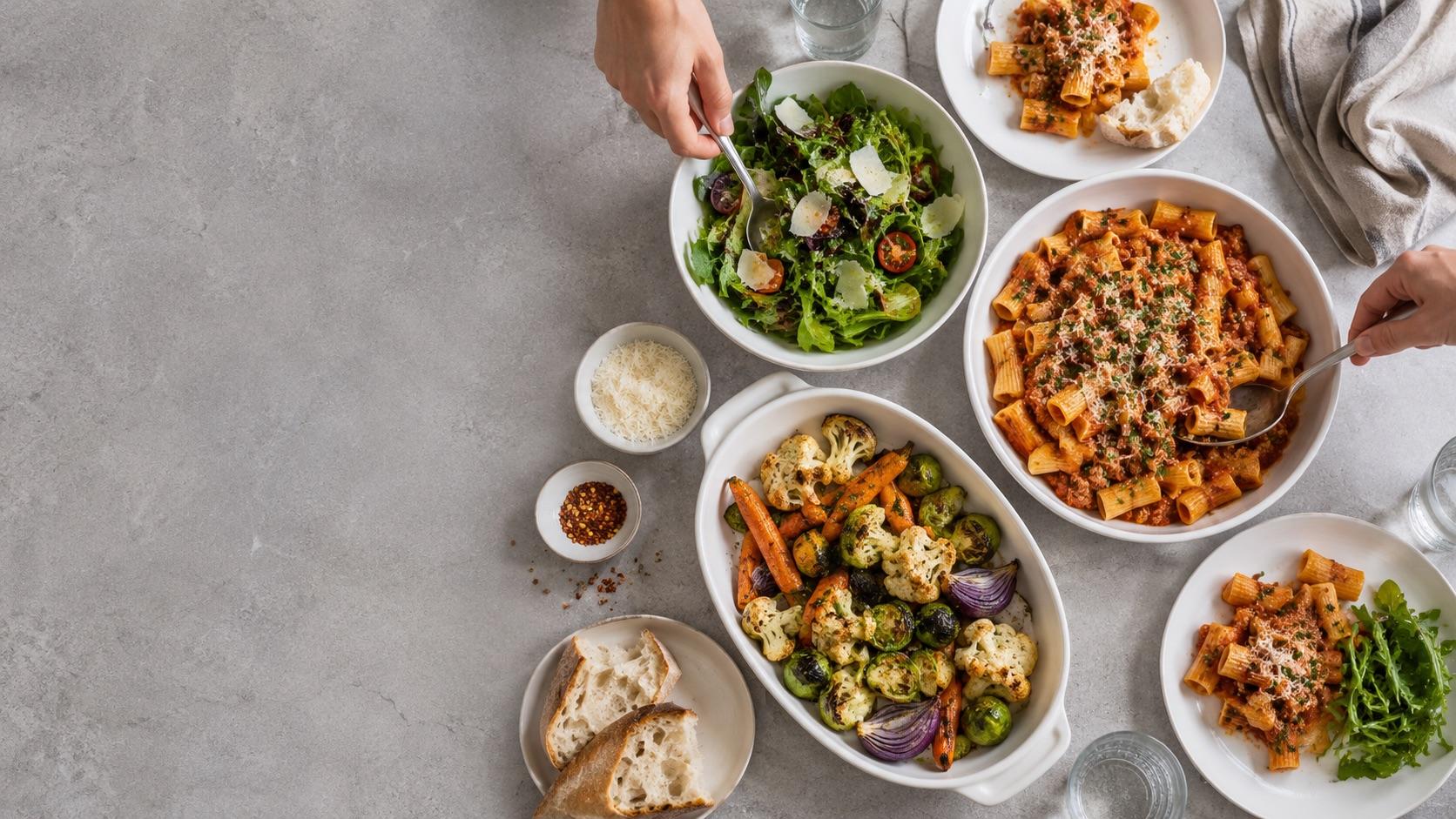
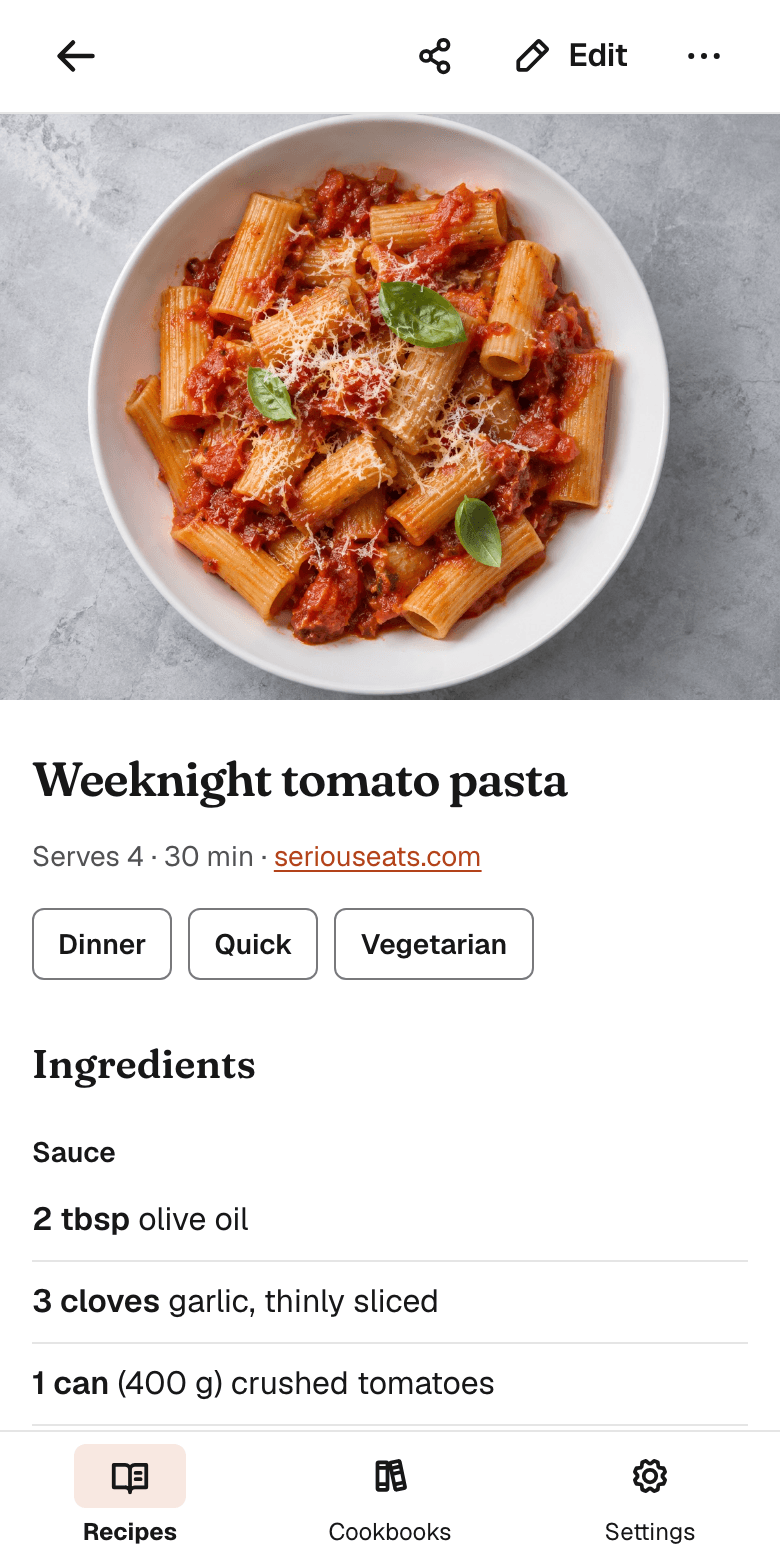
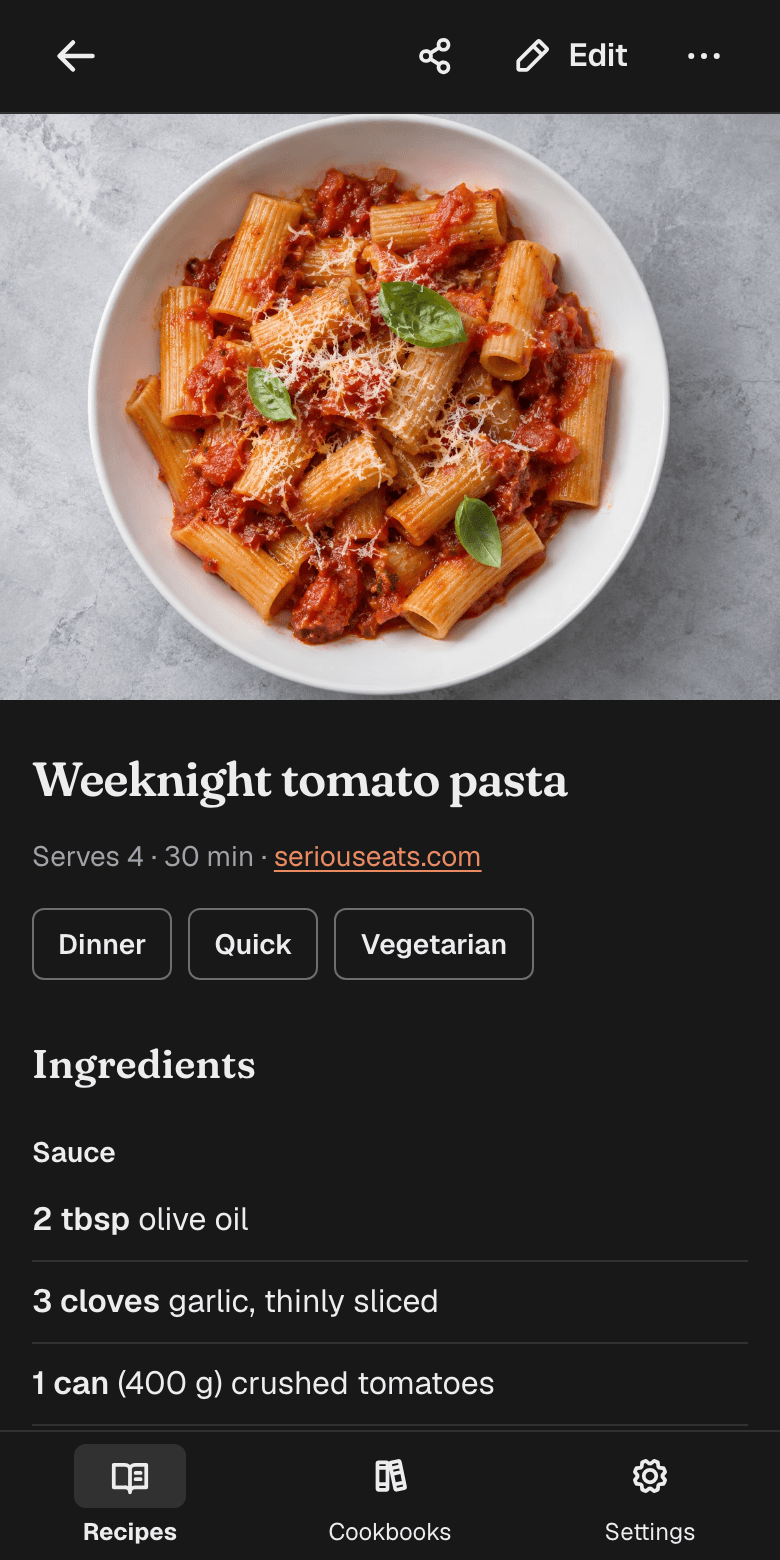
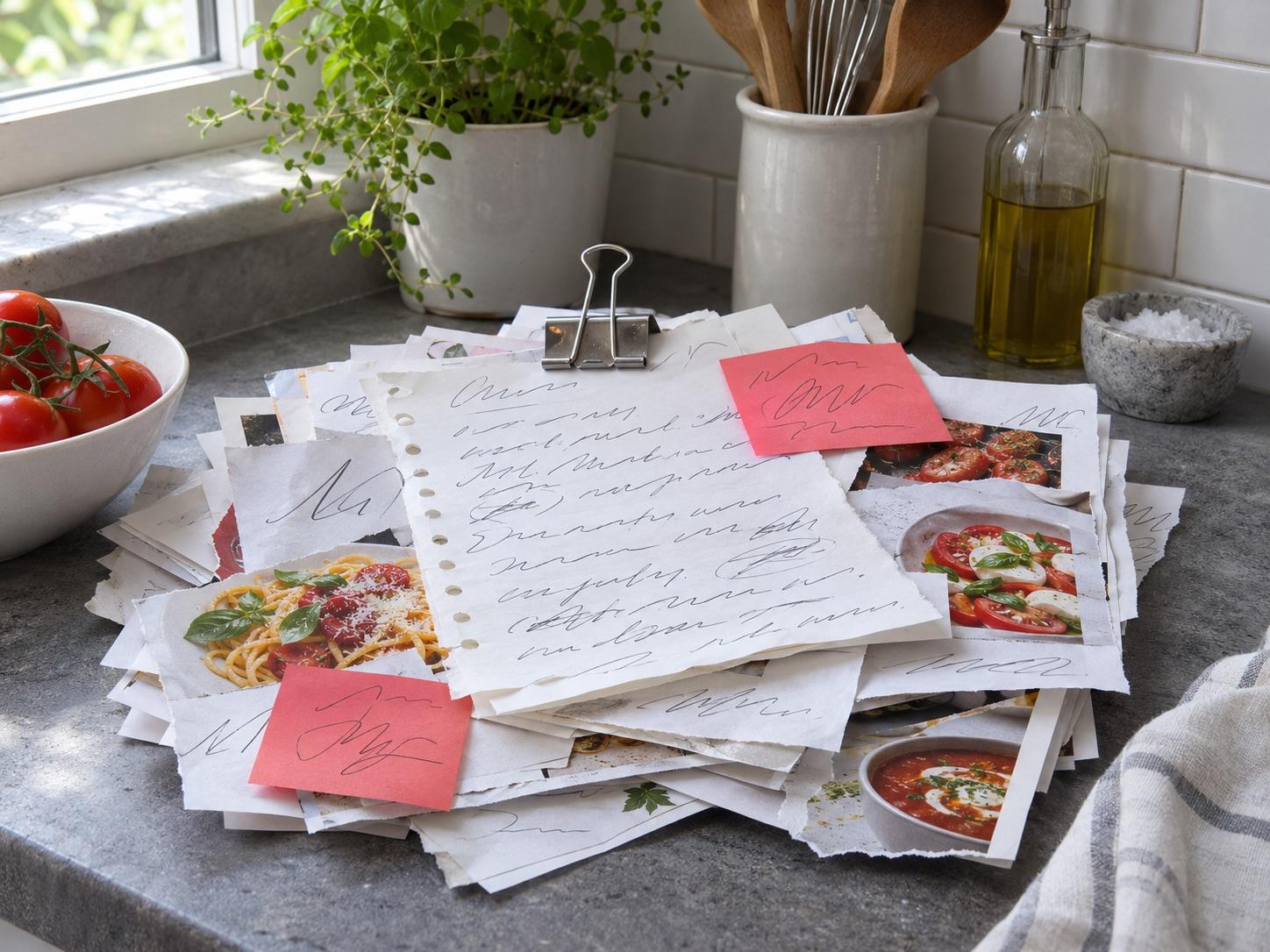
From a pile of saved recipes to one you can cook from
Bookmarks, screenshots, torn out pages and notes on the back of an envelope. In KeepDish each one becomes the same plain recipe: a photo, the ingredients and the steps.
From a link to a recipe in three steps
Step 1: Paste a link
KeepDish reads the recipe page and tidies it into ingredients and steps, without the blog story.
Step 2: Or paste a caption
For recipes on Instagram, TikTok and Facebook, copy the caption from the post and paste it in.
Step 3: Check it, then save
The draft opens in the recipe form, so you can fix anything first. Nothing is saved until you tap Save.
What changes when your recipes live in one place
Cook from a clean page
The photo, the ingredients and the steps. No life story above the recipe and no ads around it.
One list for every source
Links, captions from social posts and the recipes you type in yourself all end up in the same place.
Find it by what is in it
Search looks through titles, ingredients and notes, and you tag recipes your own way.
Cook from the same cookbook
Share a cookbook with family or friends. Each person can edit the recipes or only view them.
Find it again when you are hungry
Tag recipes your own way, like Dinner, Quick or Baking. Search looks through titles, ingredients and notes, so typing “lemon” finds the pancakes and the salad dressing.
 Weeknight lasagne1 hr 30 min · Family dinners
 Thin pancakes with lemon25 min · Breakfast
 Crispy roast potatoes1 hr · Family dinners
 Weeknight tomato pasta30 min · My recipes
 Green salad with lemon dressing10 min · My recipes
 Banana bread1 hr 15 min · Baking with Sam
Cook from the same cookbook
Make a cookbook for the family or for a group of friends and invite people with a link. Each invite link works once and expires after 7 days.
- Owner
- Renames the cookbook, invites people and changes what they can do.
- Can edit
- Adds, edits and deletes recipes.
- Can view
- Reads the recipes.
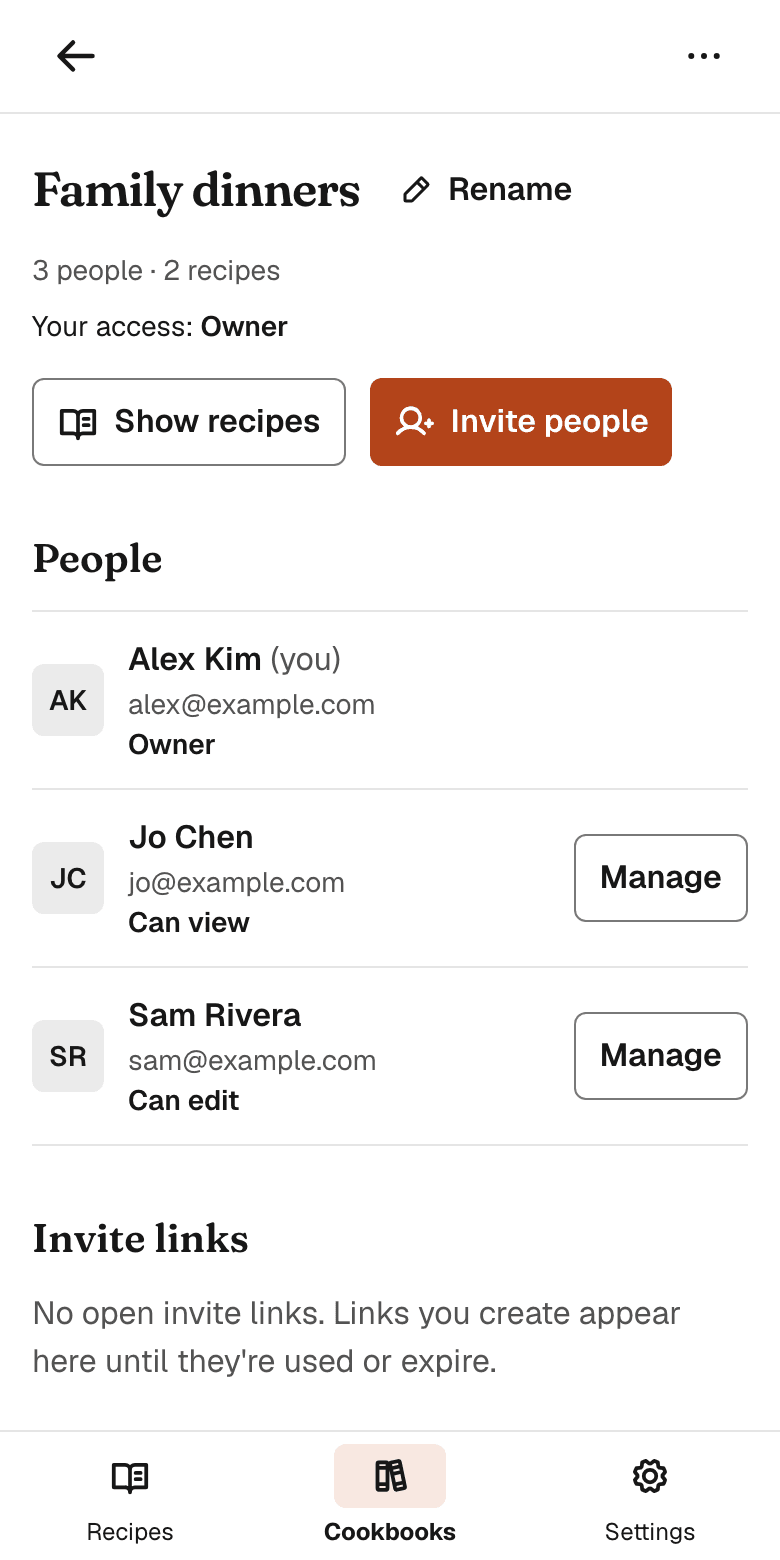
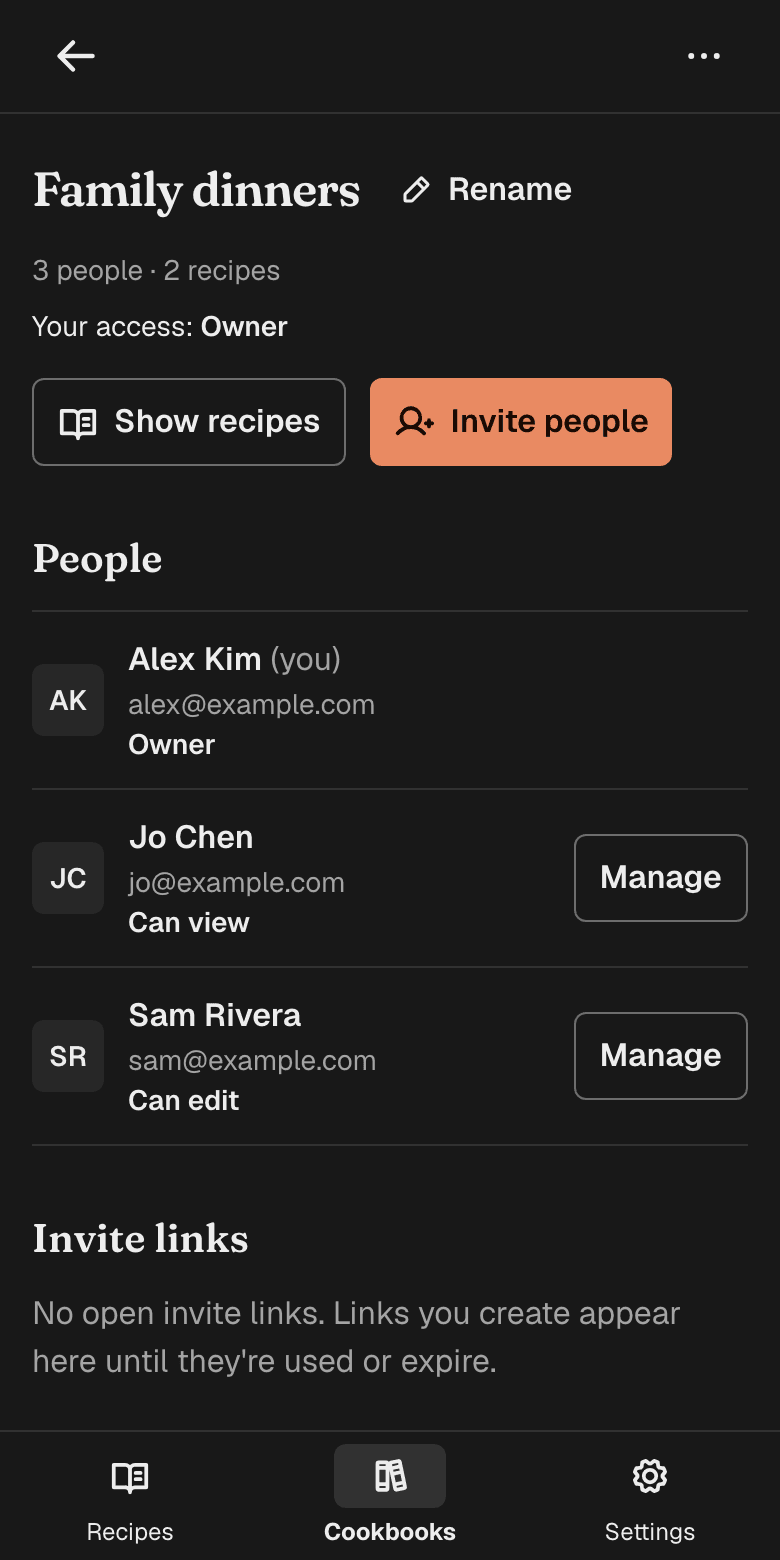
Every recipe you save becomes the same plain page: a photo, the ingredients and the steps.
Free, or Plus for videos and the printed book
You can upgrade in Settings after you sign in.
Free
Free to use- As many recipes as you like
- Imports from links and pasted captions, up to 30 a day
- Shared cookbooks with view or edit access
- Imports from photos of handwritten cards, cookbook pages and screenshots, up to 20 a day
- 3 video imports in total
- A preview of a cookbook as a printable book (the cover and the first 2 recipes)
KeepDish Plus
USD 29.99 a yearSave 37%That is USD 2.50 a month, charged once a year: USD 17.89 less than 12 monthly payments.Or USD 3.99 a month.- Everything in Free
- Unlimited video imports, up to 50 a day for fair use
- Print a whole cookbook as a book, or save it as a PDF: cover, contents, every recipe and its original card
- No trial that turns into a charge. Full refund within 14 days of a yearly payment
- Billed by ITL. Cancel anytime in Settings and keep Plus until the end of the period
- What does KeepDish Plus cost?
- USD 29.99 a year or USD 3.99 a month for one account, billed by ITL through Stripe. The yearly price is 37% less than twelve monthly payments. There is no trial, and the free plan stays free.
- What does KeepDish Plus add?
- Unlimited video imports, up to 50 a day for fair use, instead of 3 in total, and printing a whole cookbook as a book or a PDF (the free plan previews the cover and the first two recipes). Everything else works the same on both plans, imports from photos included.
- How do I cancel KeepDish Plus?
- In Settings, under Plan, choose Manage plan. You keep Plus until the end of the period you paid for, then the free plan applies again. A yearly payment is refunded in full if you ask within 14 days.
- What happens to my recipes if I stop paying?
- Nothing. Every recipe, photo, original card and shared cookbook stays. Only video imports go back to the free plan's limit, and the printed book to its preview.
Questions
- Is KeepDish free?
- Yes. KeepDish is free to use and there is no cap on the number of recipes you keep. Importing from links and pasted text is limited to 30 imports in any 24 hours.
- Where can I save recipes from?
- From recipe websites, by pasting the link. From Instagram, TikTok and Facebook, by copying the caption of the post and pasting it in. You can also type a recipe in yourself.
- Why paste the caption instead of the Instagram link?
- KeepDish cannot read posts on Instagram, TikTok or Facebook from a link. When you paste one, it opens Paste text for you and keeps the link as the source of the recipe.
- What if an import gets something wrong?
- Every import opens as a draft in the recipe form, so you can fix the title, ingredients or steps first. Nothing is saved until you tap Save.
- Do I need a password?
- No. You enter your email address and we send you a link to sign in. The link expires after one hour.
- Who can see my recipes?
- Only the people in the cookbook a recipe belongs to. Nobody joins a cookbook without an invite link from its owner.
- How does sharing a cookbook work?
- The owner creates an invite link that lets someone edit or only view the recipes. Each link works once and expires after 7 days. The owner can change what each person can do or remove them, and anyone else can leave.
- Can I find a recipe by one of its ingredients?
- Yes. Search looks through titles, tags, ingredients and notes, so typing “lemon” finds the pancakes and the salad dressing. You can also filter by your own tags.
- Can I add my own photo?
- Yes. Add a JPEG, PNG, WebP or AVIF photo of up to 25 MB to any recipe you can edit. KeepDish shrinks it on your device before uploading and removes its location and camera details. Imported recipes bring the photo from the page when there is one.
- Can I take my recipes with me?
- Yes. Settings has an Export button that downloads all your recipes, with their photos, as one file in the Paprika format, which other recipe apps can import. It is free on every plan.
- Does it work on my phone?
- Yes. KeepDish runs in the browser on phones and computers, and it was designed for phones first.

Save the next recipe you find
Enter your email address and we send you a link to sign in. No password to remember.
Free to use. No cap on the number of recipes.